Your First Chat
Pick a Character
The homepage shows characters and stories from the community. Pick one that looks interesting.
You'll need to sign in to start chatting.
What Happens When You Chat
The character appears on screen — 2D or 3D, animated, breathing, waiting. Send a message and they'll reply in their own voice — with real emotion, not flat robot speech — while their expression shifts to match the mood. It feels like a real conversation.
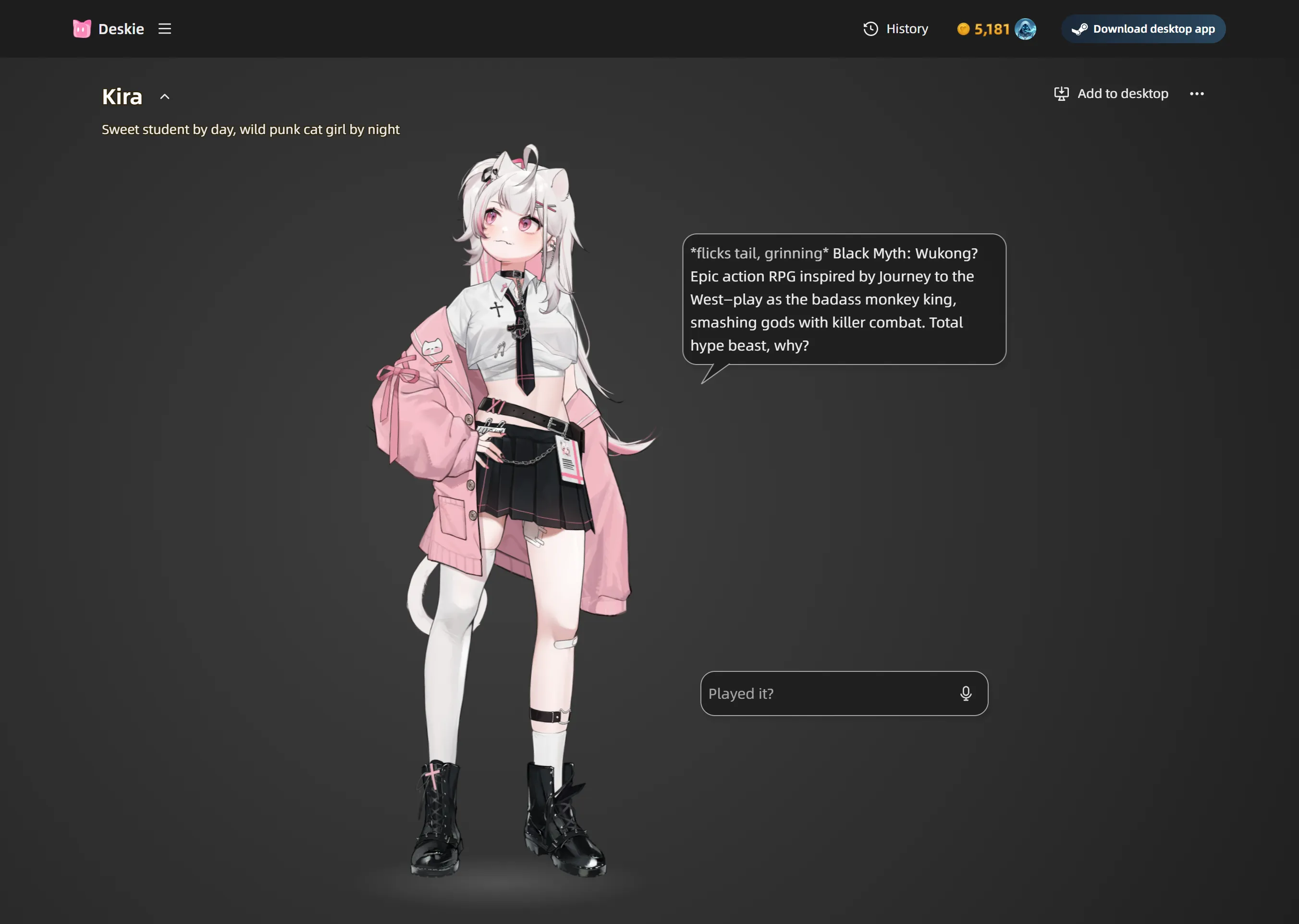
You can also talk with your voice using the microphone button.
They Remember You
Conversations aren't disposable. The character remembers what you've talked about — your name, your preferences, past topics. The more you chat, the more personal it gets. You can browse past conversations in the History page.
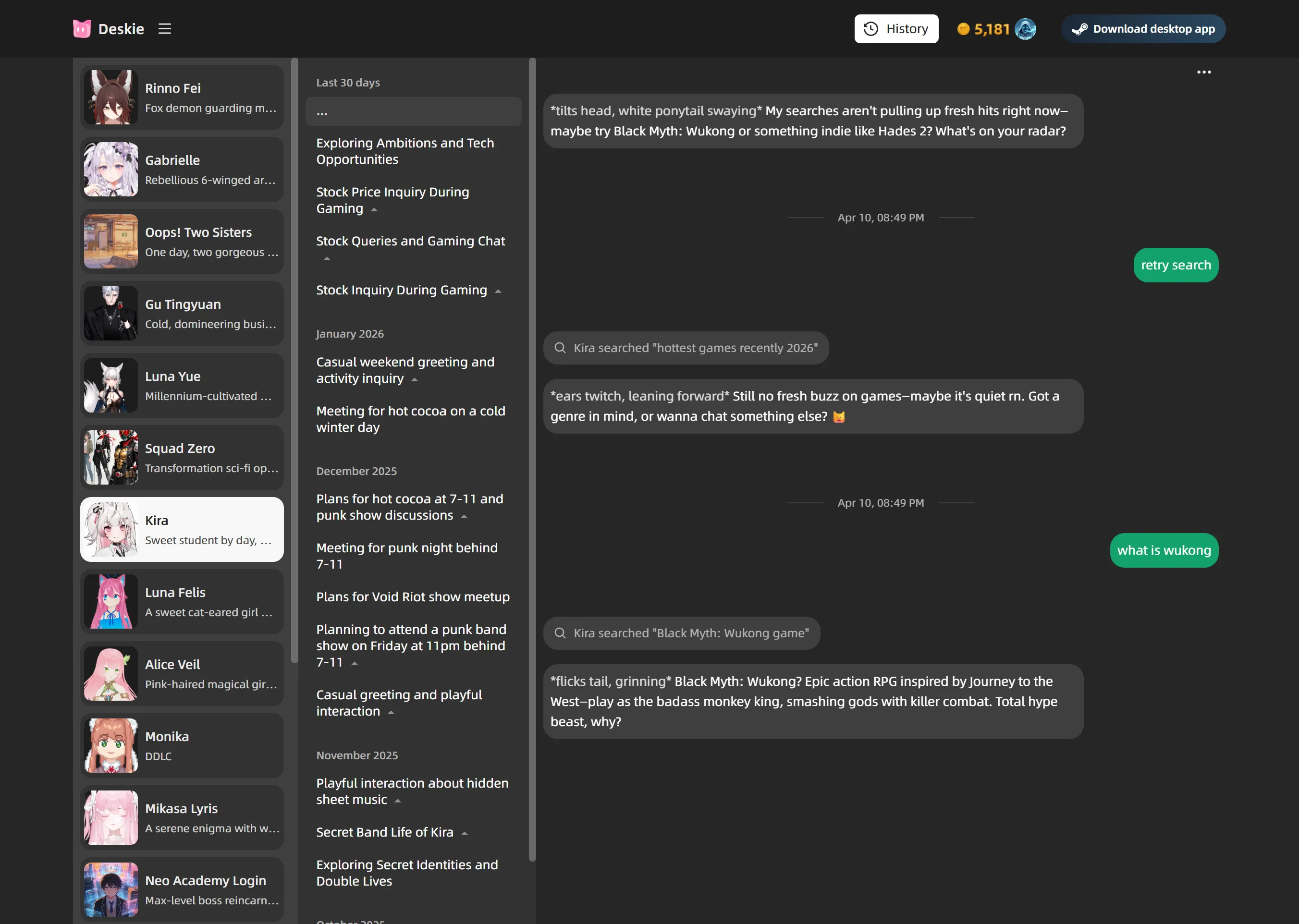
Said something you wish you hadn't? Tap any past message to rewind the conversation to that moment and take it in a different direction.
Moe Points
You get free credits every day for chatting and voice. When they run out, you can top up with Moe Points or wait for tomorrow's refresh.