Screen Vision, Web Search & More - April 1, 2026
🔍 Your Characters Can Now See Your Screen & Search the Web
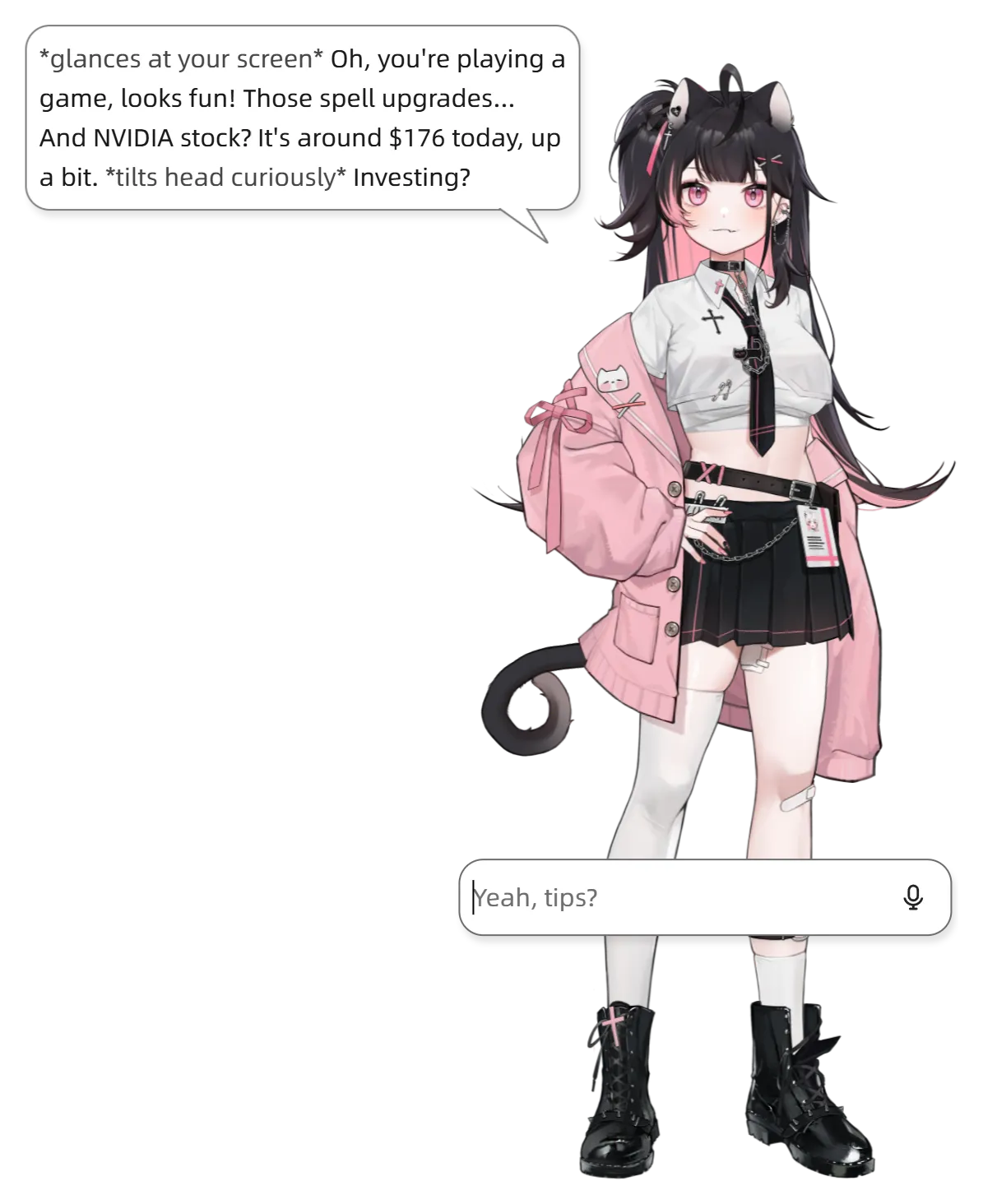
Characters can now use tools while chatting! They can look at your screen and browse the web to give you way more relevant responses.
- See Screen: Ask your character about what's on your screen and they'll actually look at it. You'll see an indicator when they're viewing.
- Web Search: Characters can search the web and read pages for you — great for current events, quick lookups, or research. Results show up right in the chat.
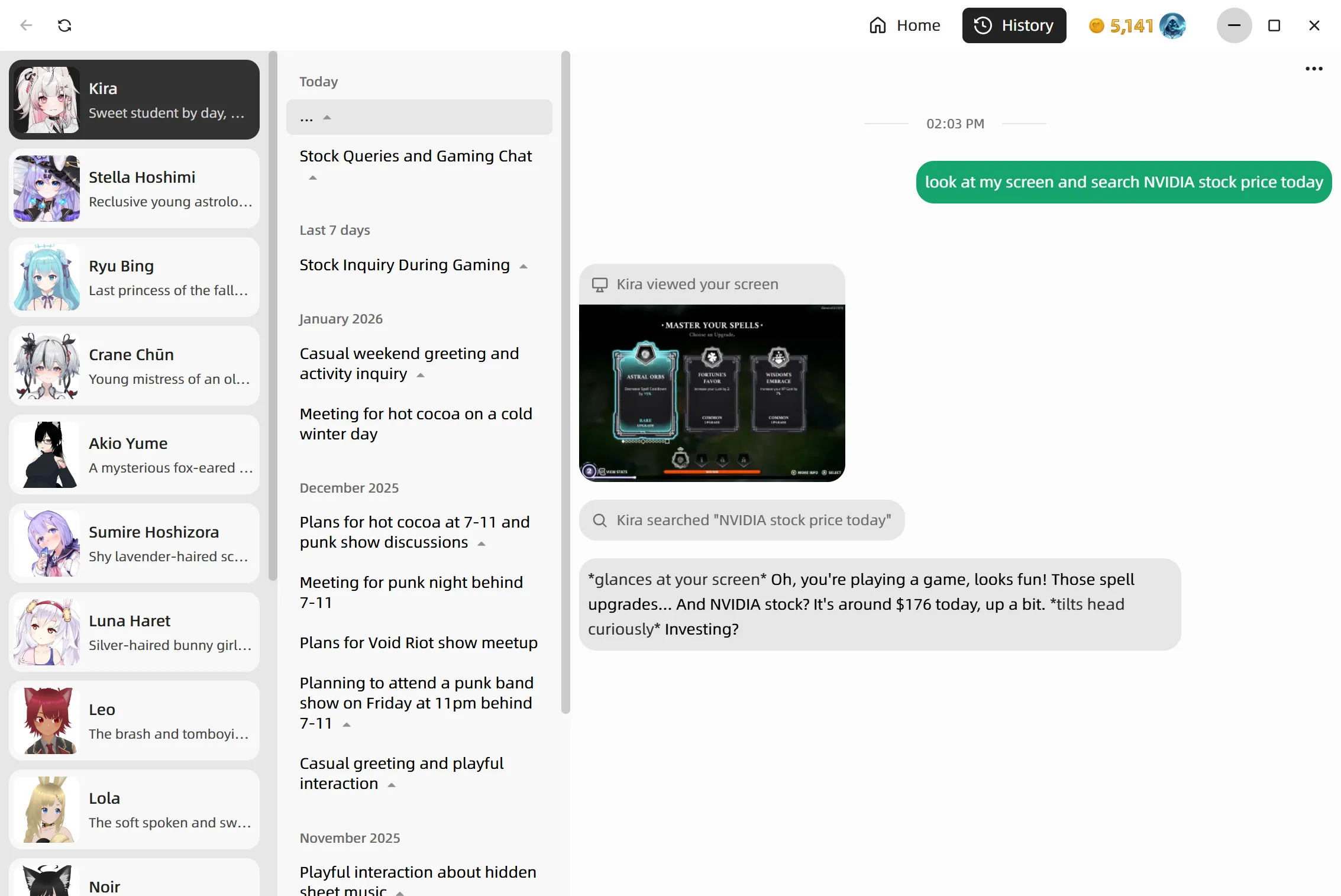
You can check out what tools your character used in the History tab — see when they looked at your screen, what they searched, and the full conversation context.
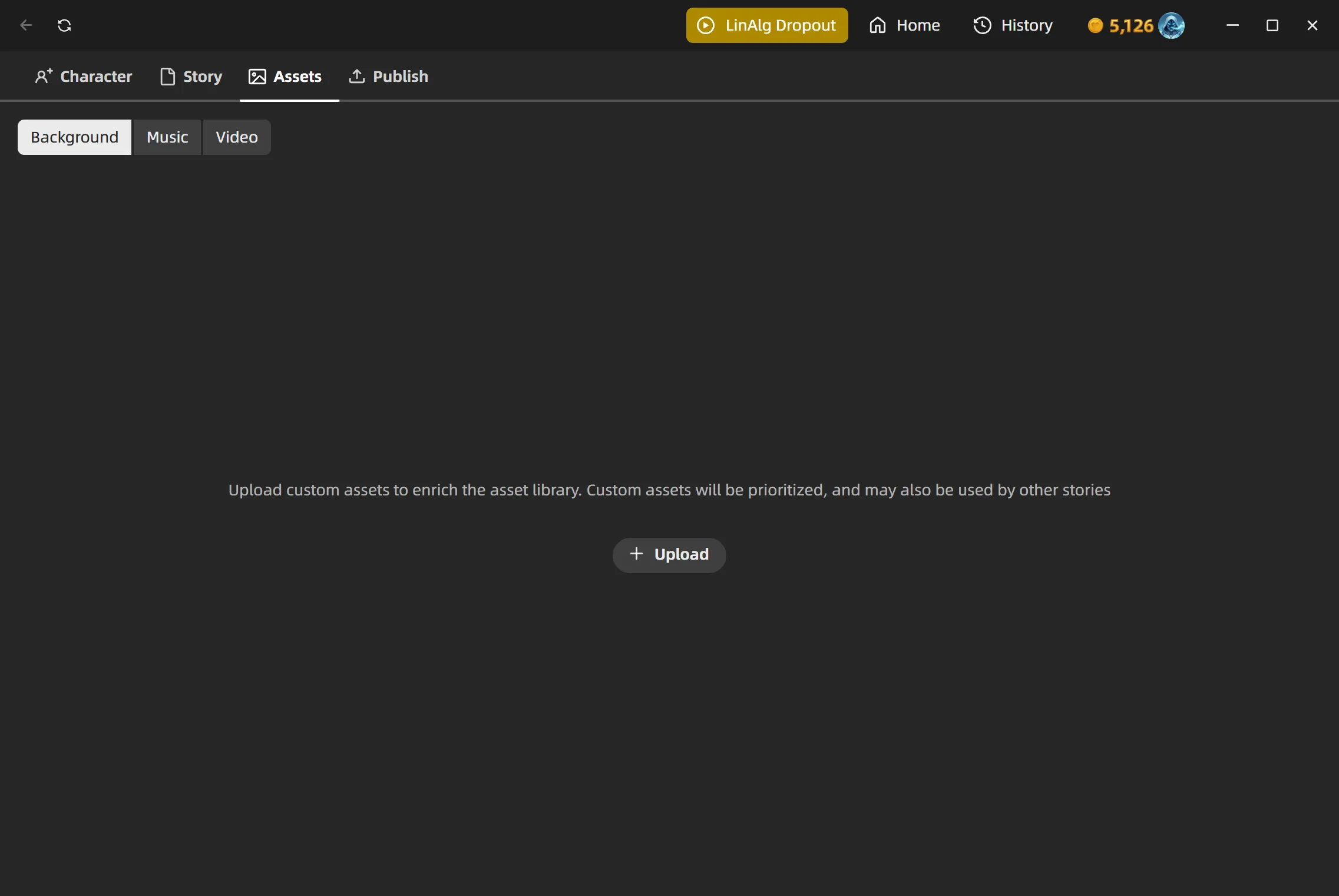
📦 Asset Management for Stories
There's now an Assets tab in the story editor for managing backgrounds and BGM. Upload your own background images and music tracks to fully customize the look and feel of your story.
🎤 Customizable Voice Shortcut Key
The push-to-talk shortcut isn't locked to Alt+X / Option+X anymore — head to Settings and record whatever key combo works best for you.
🖼️ Portrait Guide & Face Detection
Editing character portraits just got easier. A new guide overlay helps you line up the face and shoulders, and automatic face detection handles the smart cropping and positioning for you.
🔒 Lock Mode Improvements
Voice shortcut now works even when the character is locked
🐛 Bug Fixes & Polish
Various fixes, stability improvements and ux enhancements